For Parents
KidsShines is built so you can hand your child a keyboard and feel comfortable letting them practice on their own.
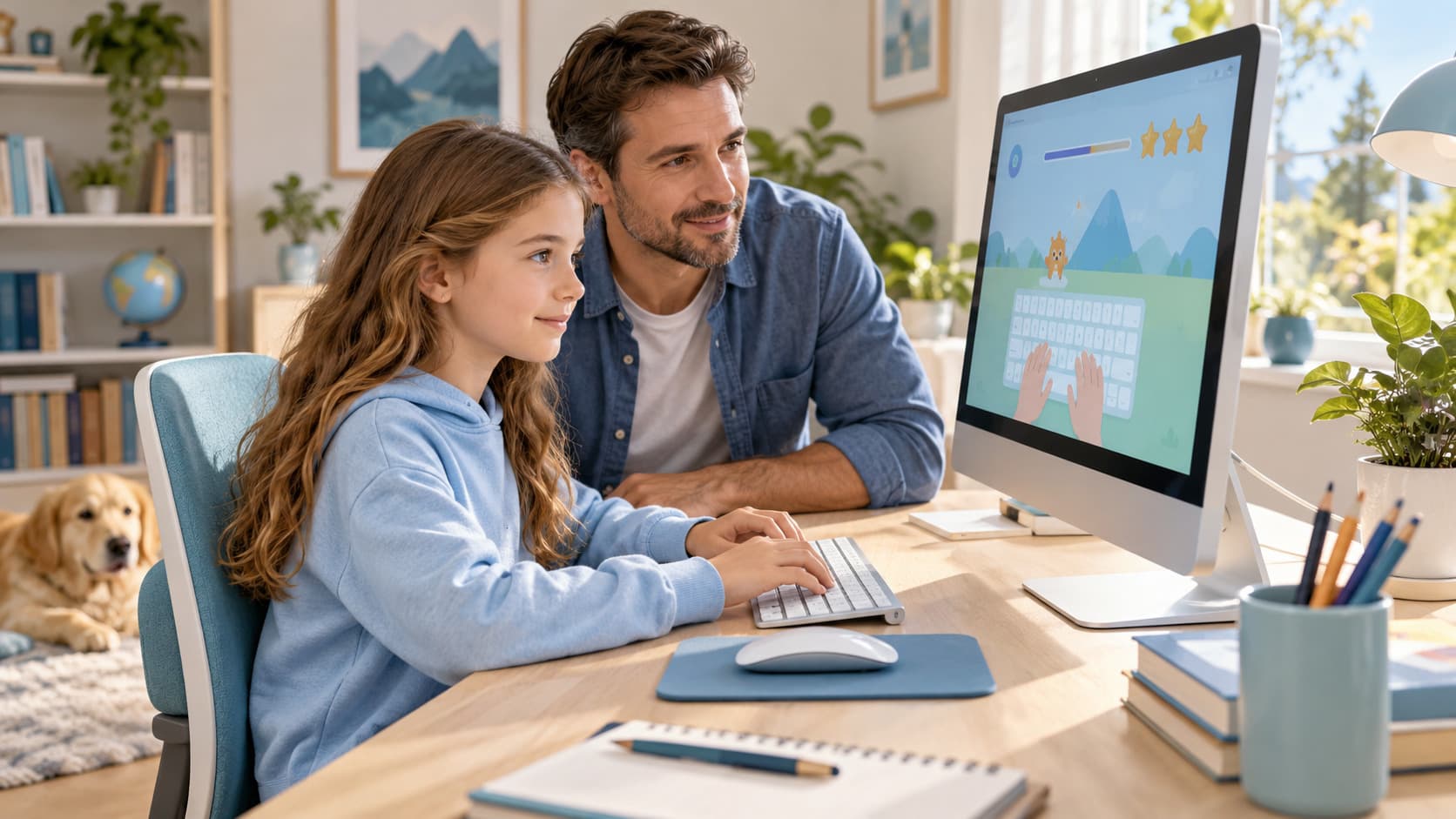
Our commitments to your family
- No advertising, ever.
- No public profiles, messaging, or leaderboards.
- No account or email address required for your child to practice, learn, or play.
- No third-party behavioural tracking.
What's available today
Free practice at /practice, a structured curriculum of 36 lessons across 3 age-based learning paths, and 3 typing games at /games — all usable with no account. Progress is measured locally in the browser during the session by default. If you're homeschooling, our homeschool typing practice guide lays out a simple weekly plan for fitting these into a routine.
An optional parent account
Create a free account to add a profile for each child (a nickname and a preset avatar — never a photo, date of birth, or school) and keep their lesson and game progress saved across devices. Creating an account is entirely optional; your child can keep practicing locally without one.